Custom Timber Operations System

Replacing paper tickets and mental arithmetic for a small South African timber operation.

Two owner-operators split field work and admin between them, sourcing untreated eucalyptus poles, droppers and laths from their own and third-party land. Until now, all of it ran on paper tickets, a physical shop ledger and manual arithmetic. This is a Windows desktop app and an Android app that share one set of data — parties, pricing, stock, tickets — kept in sync by a small host server.

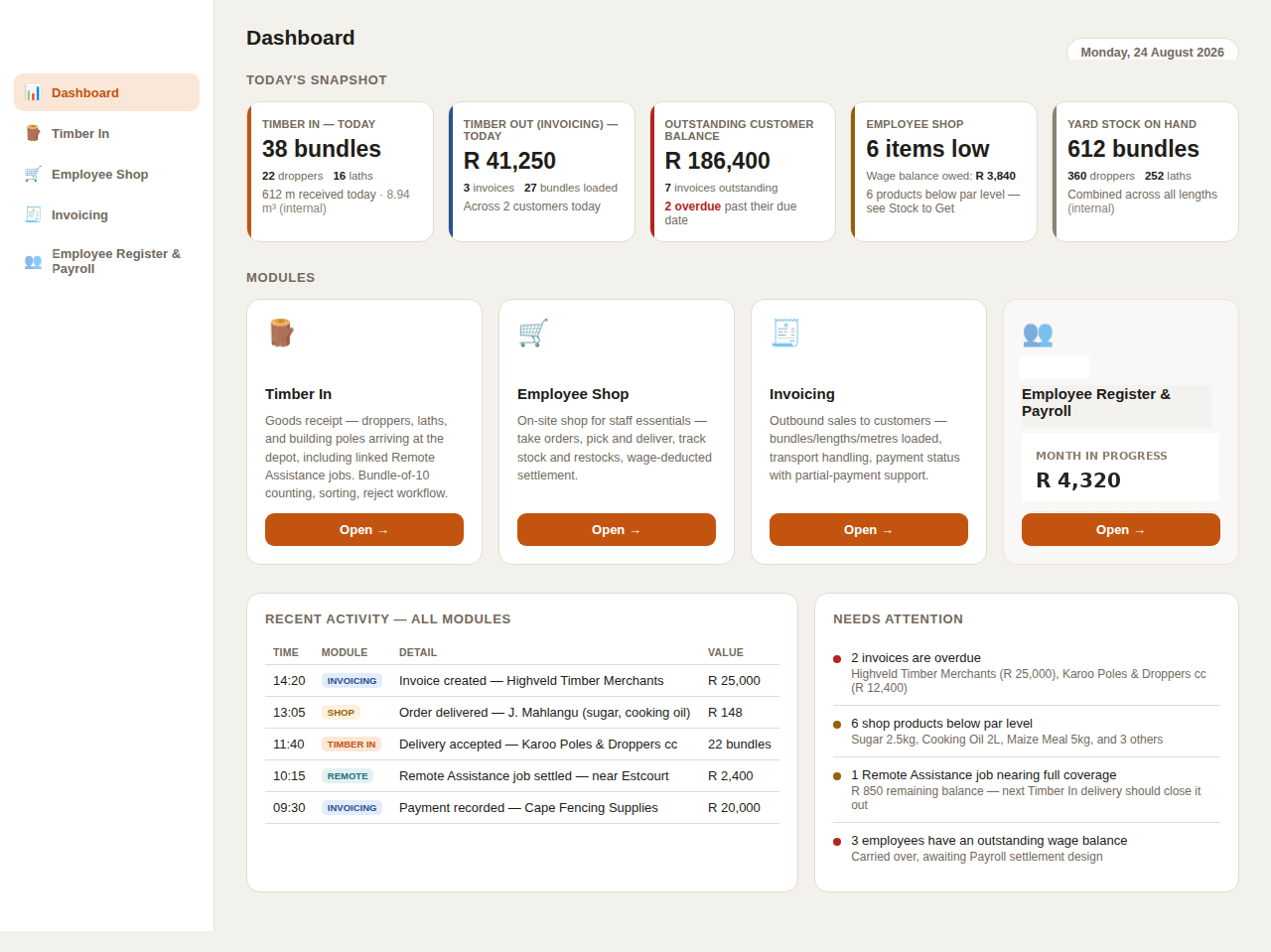
The desktop dashboard: a business-wide snapshot, the module launcher, recent activity across every module, and a needs-attention panel.

Placeholder data — business and personal names genericized for this case study.

7modules covering the business end to end
3running balances tracked automatically
2platforms, deliberately not identical
1shared register — parties, priced once, read everywhere

How it works

The modules, in practice.

ADMIN VIEW

The business, at a glance

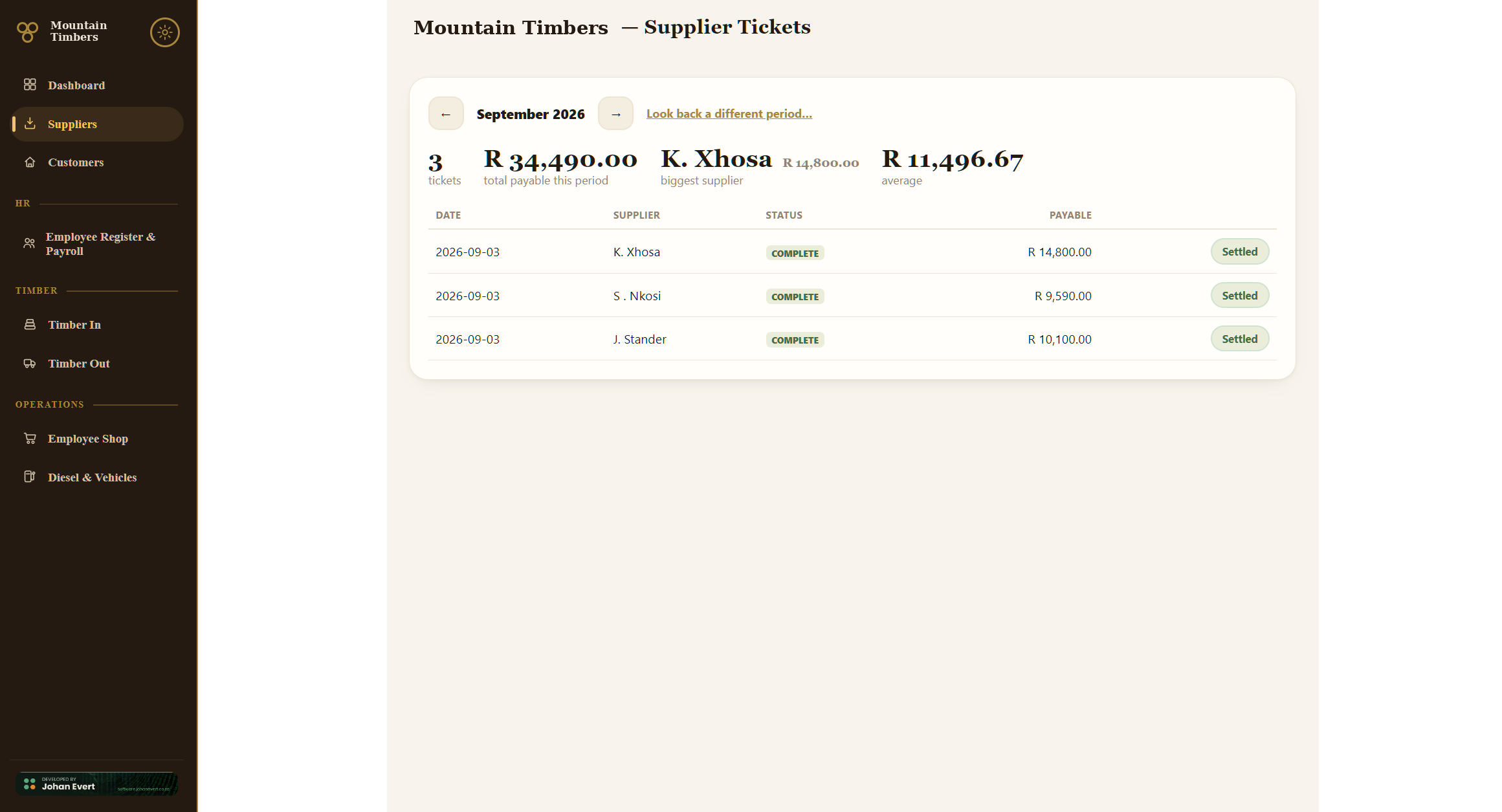
Desktop leads with a business-wide overview — today's timber in, today's invoicing, outstanding customer balance, low shop stock and yard stock on hand — plus a launcher into every module and a running "needs attention" list.

Every tile links to the correct, platform-formatted version of its module. Nothing here is decorative-only — a standing rule that applies to every screen in the system.

Desktop dashboard: today's snapshot, the working modules, recent activity across all modules, and a needs-attention panel.
FIELD CAPTURE

Built for the field, not a shrunk desktop

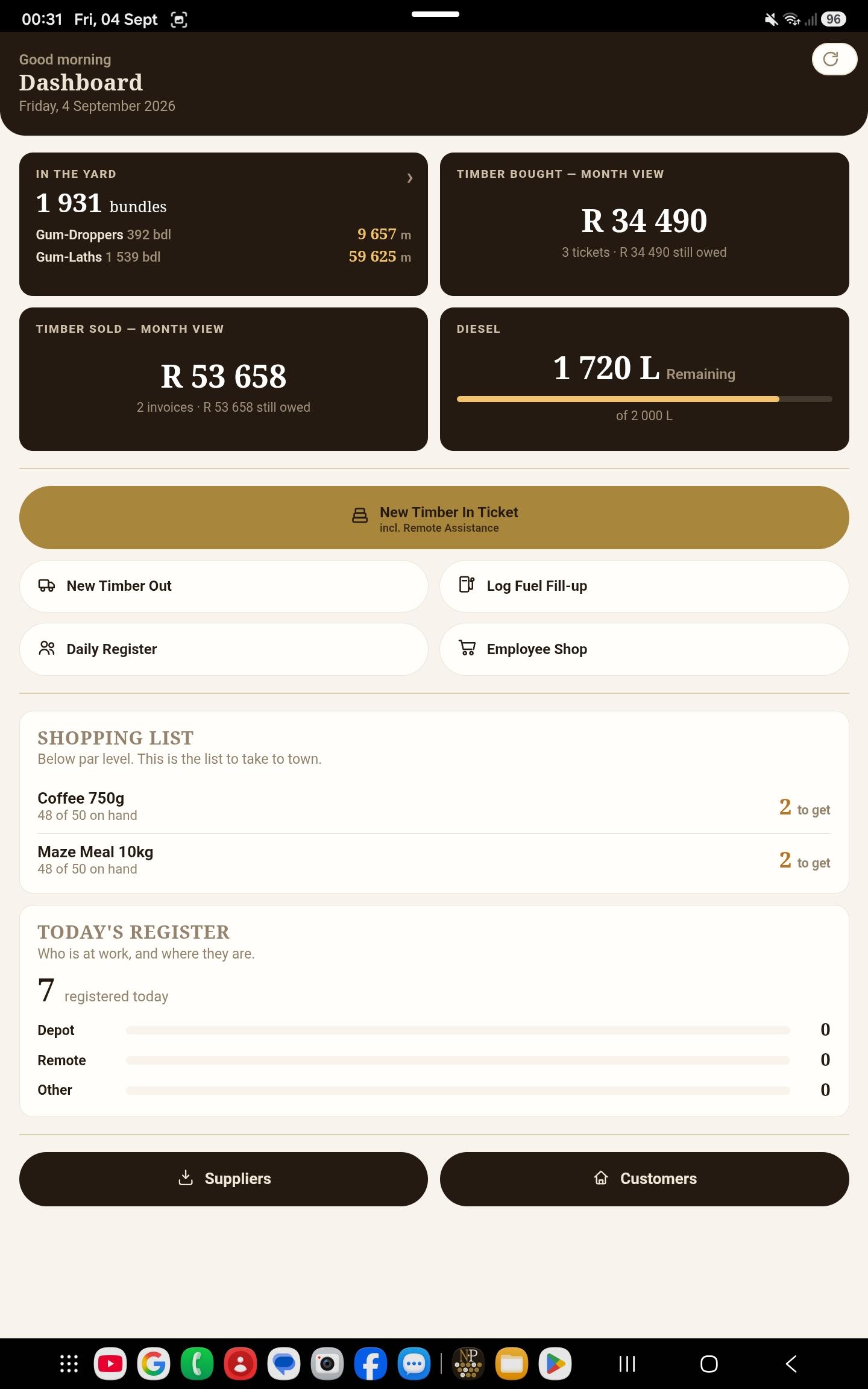
Android leads with today's field activity and one-tap entry into each module — used at the depot and on-site, in one hand's reach. It is a genuinely different app from the desktop one, not the same screen squeezed narrower.

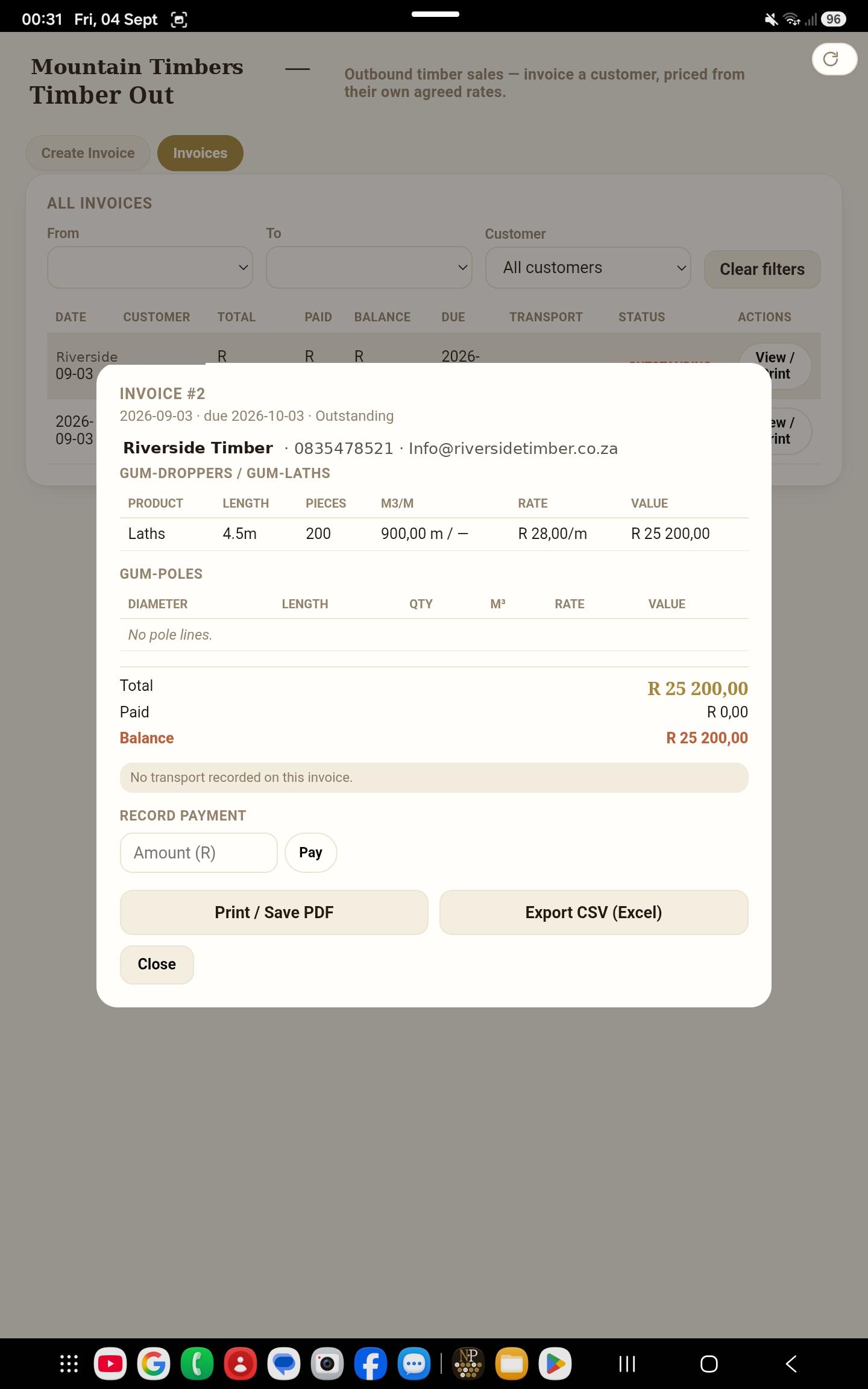
Remote Assistance jobs — an owner taking an operator and a chainsaw out to a supplier's site — are captured differently per platform on purpose: inside the ticket on Android, as its own tab on desktop, where the admin view of every open job's balance belongs.

Android dashboard: quick actions for a new Timber In ticket, taking a shop order, the pick list and creating an invoice.
GOODS RECEIPT

Digitizing the paper delivery ticket

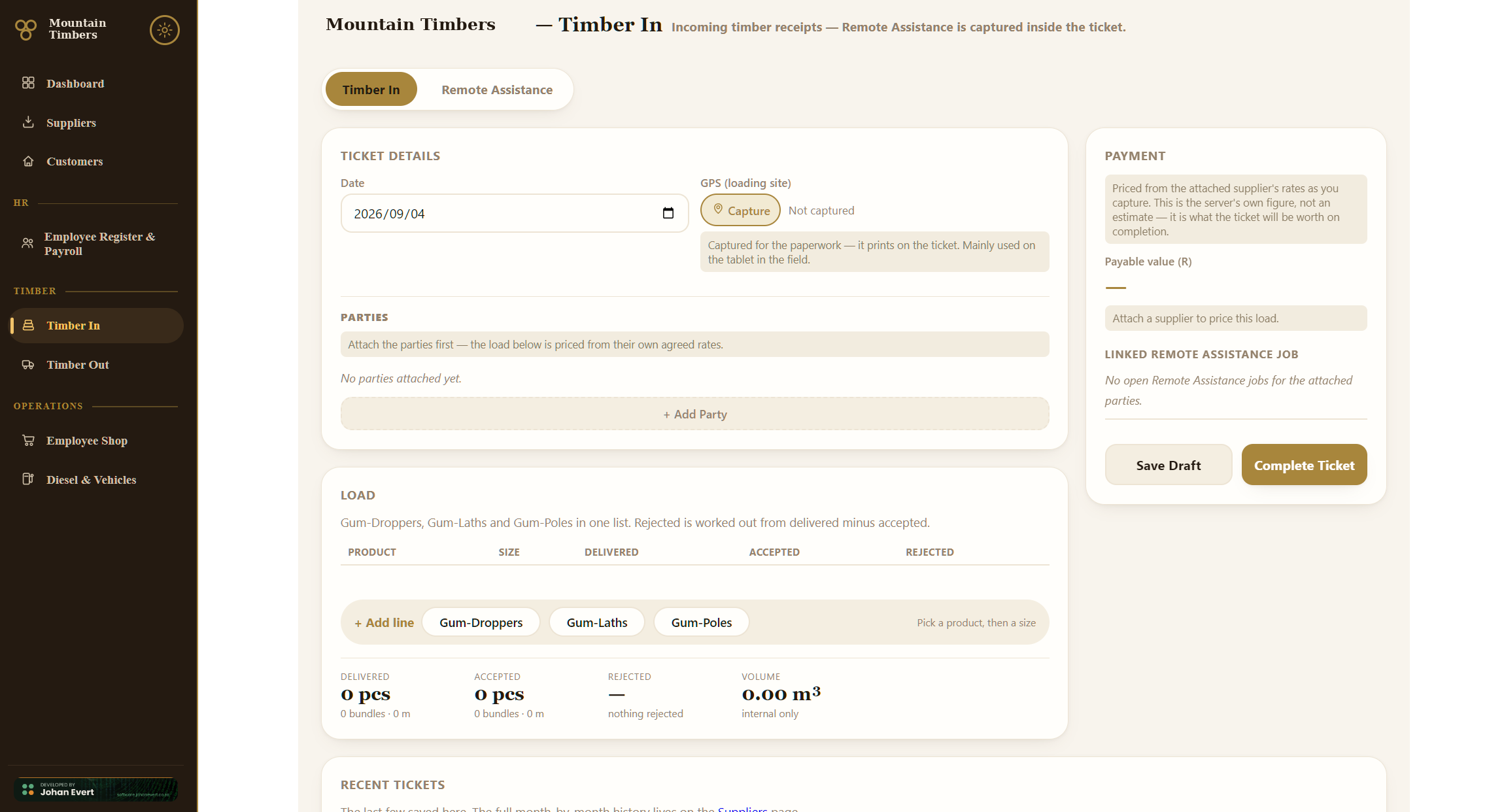
Droppers and laths are logged in bundles of 10, from which pieces, linear metres and m³ are all derived automatically from the business's own per-length factor tables — no more hand-calculating a delivery.

A ticket is saved as a draft after intake, then completed later after sorting with an accepted count and a reject figure — mirroring the real two-moment paper workflow instead of forcing one pass through a form.

Timber In desktop test tool: droppers and laths bundle entry with a delivered/accepted split and party attachment.
EMPLOYEE SHOP

A shop that can't oversell

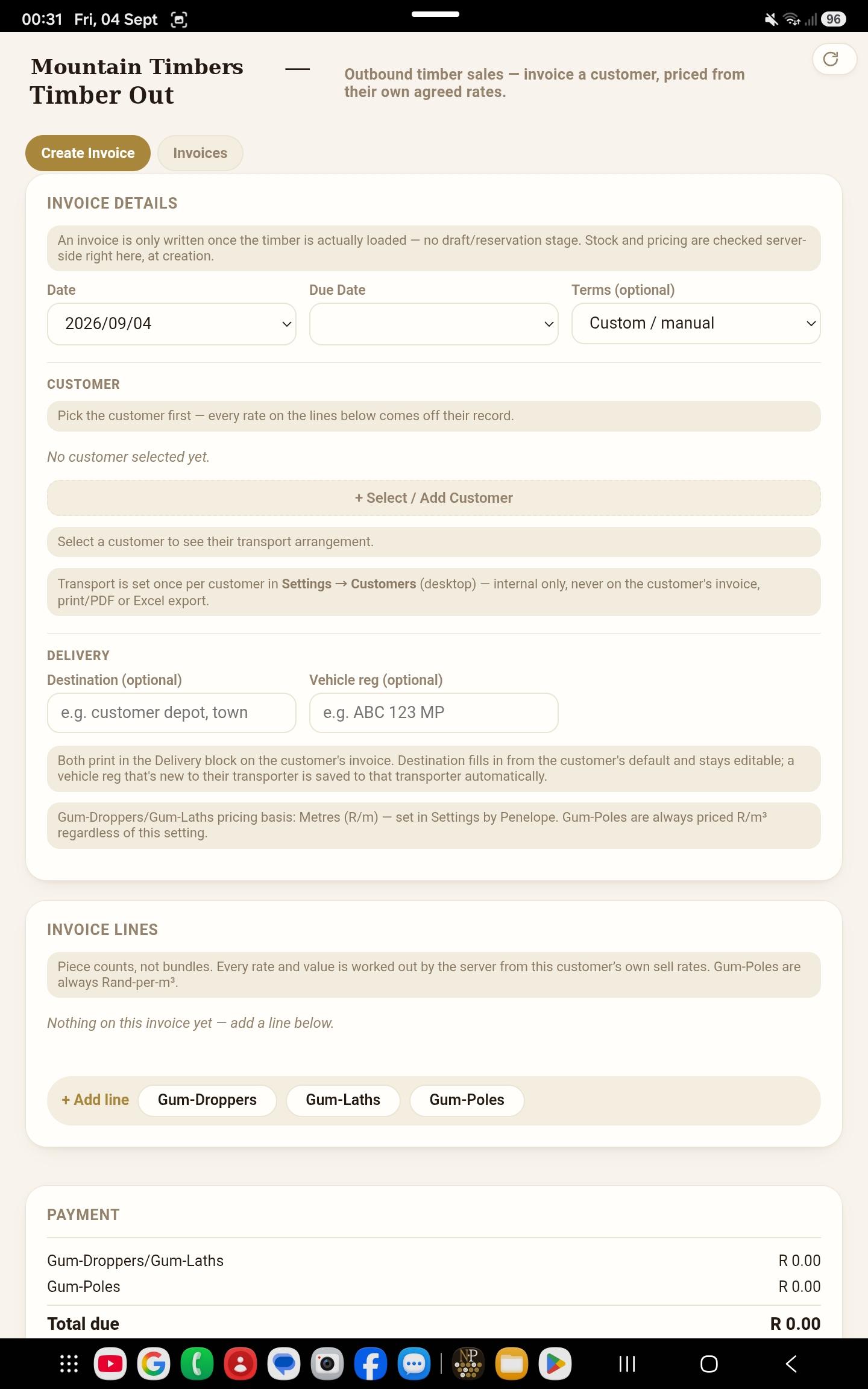
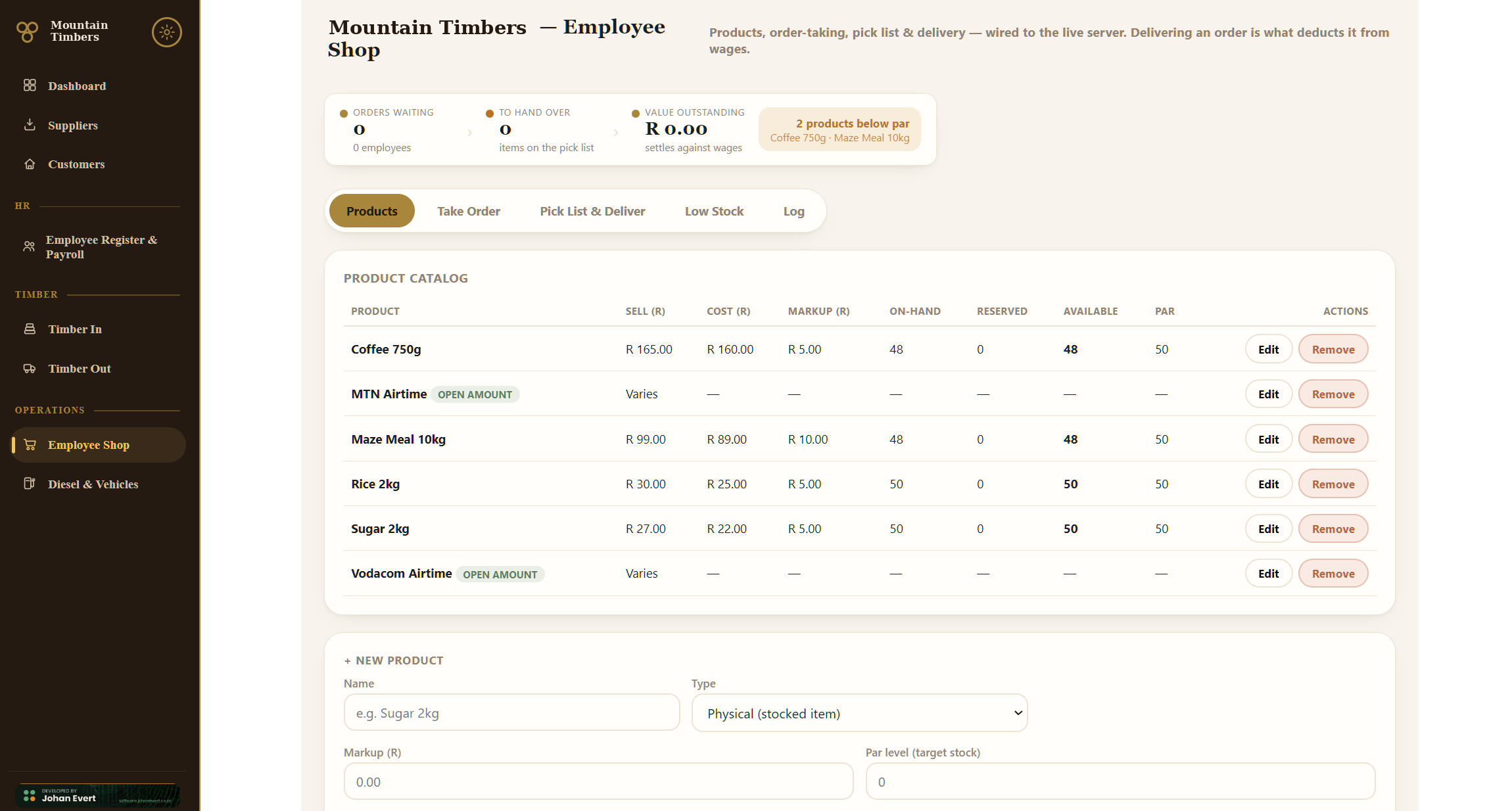
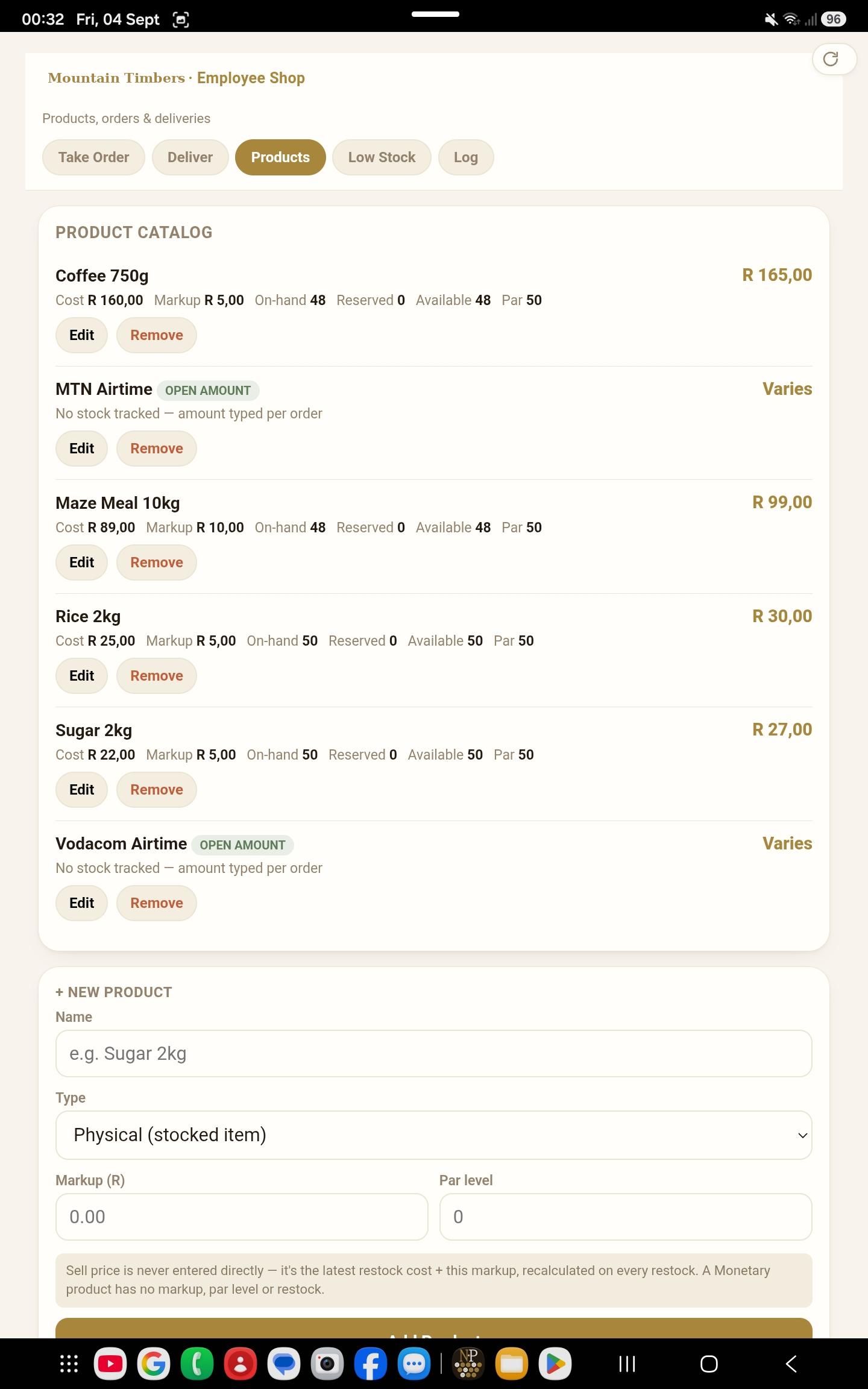
An on-site shop for staff essentials, paid through payroll deduction rather than cash. Orders reserve stock immediately — blocking oversell outright, not just warning about it — and a consolidated pick list sums everything pending into one shelf-picking run.

Only delivery decrements on-hand stock and credits the employee's running wage balance. Cancelling an order releases its reservation cleanly, exactly as shown here.

Employee Shop desktop test tool: taking an order, live stock levels, and a just-cancelled order releasing its reservation.

Standing design rules

Settled while building specific modules — but they apply everywhere.

Money

Internal figures never reach customers

Cubic-metre volume is calculated everywhere internally but deliberately never shown on anything customer- or supplier-facing — it carries a muted "Internal" badge wherever it appears in the UI instead.

Suppliers, landowners, transporters and contractors are all paid on bundle counts or linear metres, never m³. One number for running the business, a different one for paying people — and the software keeps them from ever mixing.

Two platforms

A real desktop app, not a stretched phone screen

Desktop screens use a fixed-width landscape shell — sidebar nav, multi-column grids, a real minimum width — that never collapses into a mobile-style single column. Android is the opposite: portrait, single-column, everything within a thumb's reach.

Neither platform is a resized version of the other. They're built for two different moments in the same working day.

Data model

One shared register, not per-module lists

Customers, suppliers, landowners, transporters and contractors all live in a single parties database — a party can hold more than one role at once. Pricing lives on the party's own record, because this business prices per relationship rather than off a single depot price list.

The same principle is planned for staff once the employee register unblocks: one register, every module reads from it.

History

Archive, don't delete, wherever history matters

Removing a product or an employee who has order history behind them archives the record rather than deleting it — it disappears from active pickers but stays visible, with a Restore option, so past transactions and outstanding balances stay intact.

The rule it protects A departed employee's outstanding shop wage balance can never be quietly erased just because their record was removed.

Where the value actually is

Less "new features," more rules the software enforces.

The system's value is less about adding new capability and more about replacing manual, error-prone paper and mental-math steps with rules that get applied the same way every time.

  • Server & backupsBoth apps talk to a small host server that keeps desktop and Android in sync and backs the business's data up automatically — nothing lives on one device, and nothing is lost if a phone breaks or a laptop dies.
  • Bundle mathPieces, linear metres and m³ calculated automatically from a single bundle count, instead of hand-calculated per delivery.
  • OversellBlocked, not just flagged — in the shop by reservation, in invoicing by a stock-check at creation — so a promise can't be made that the yard can't keep.
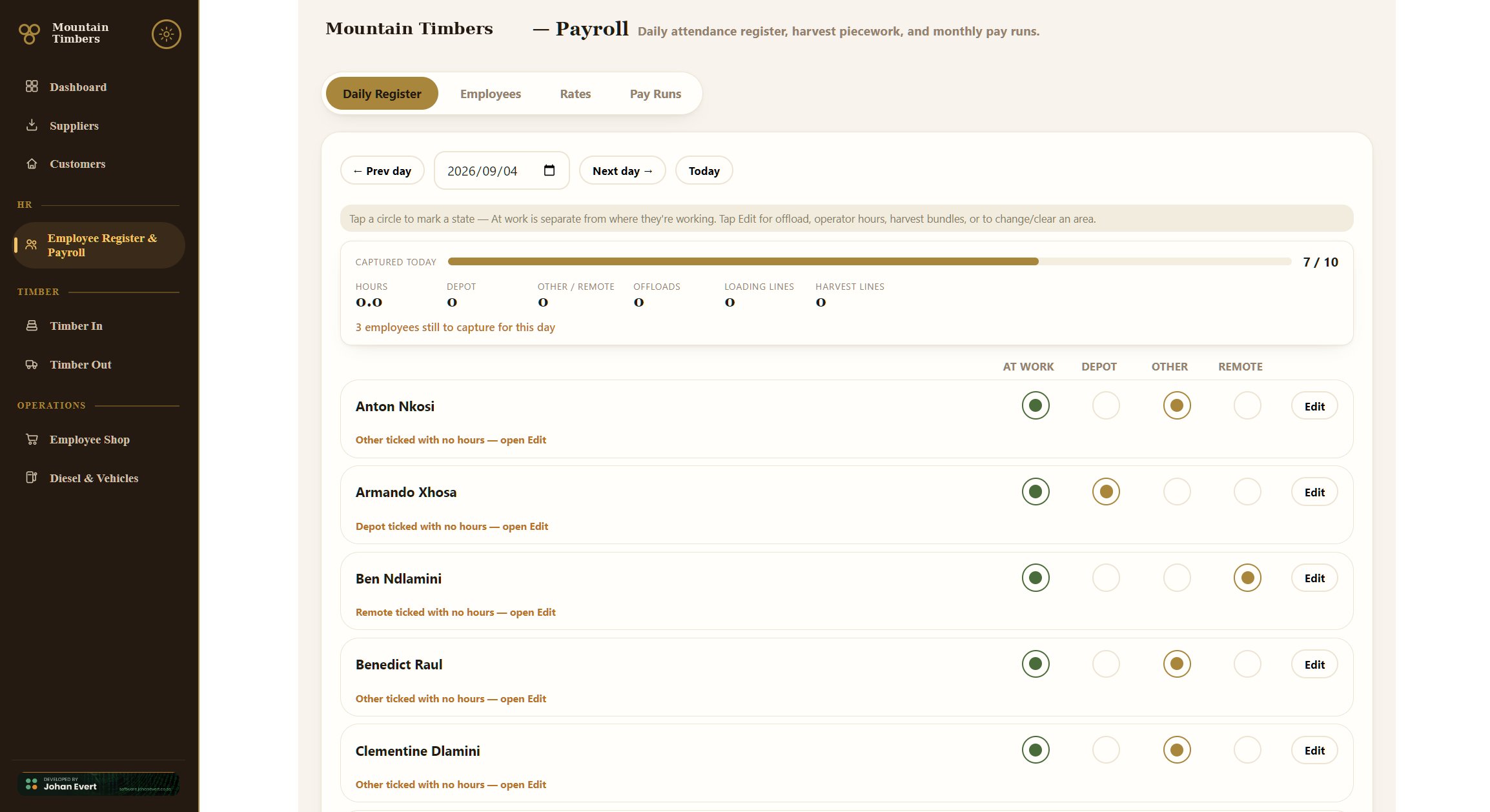
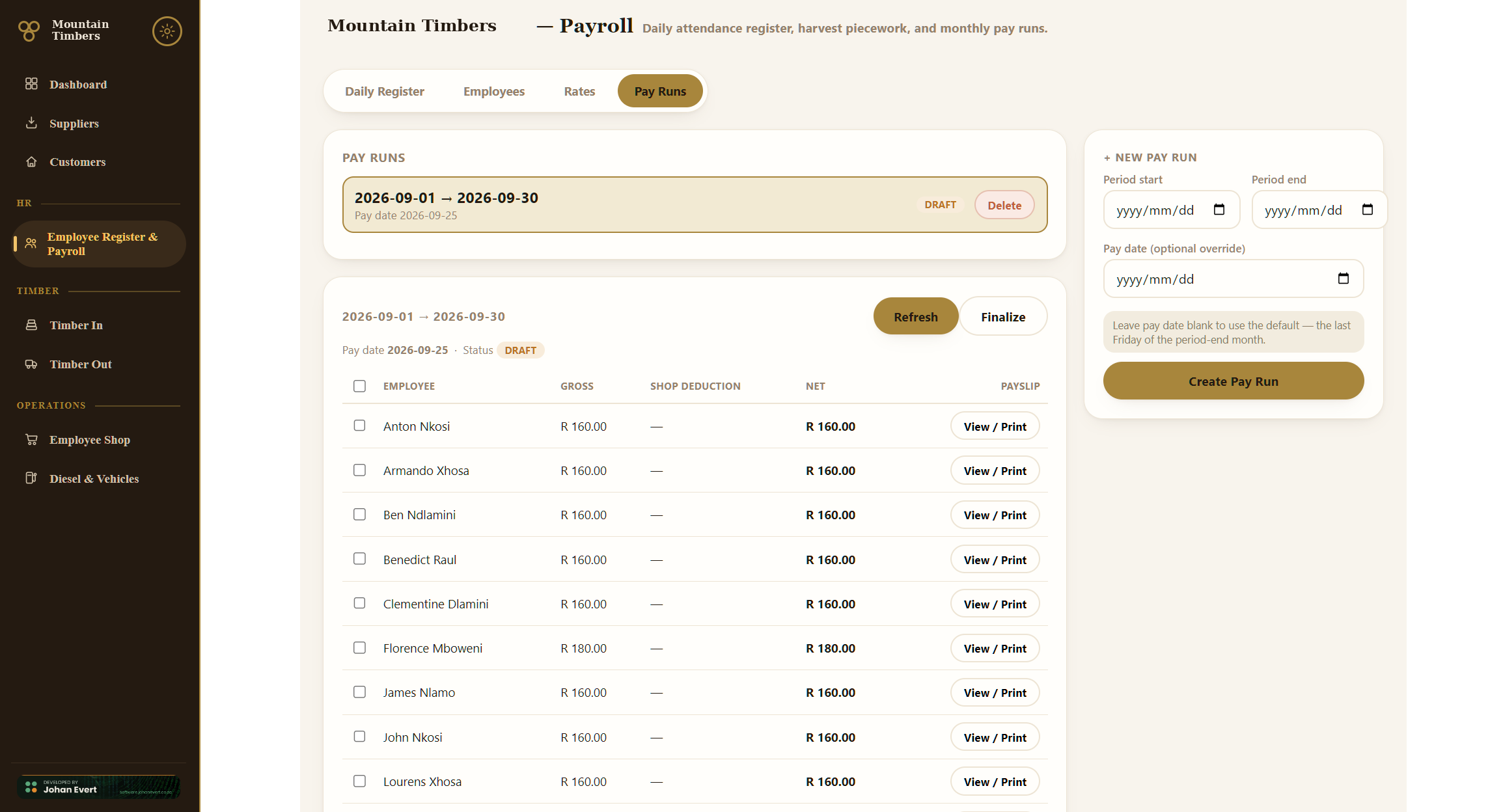
  • BalancesCustomer, wage and Remote Assistance balances tracked automatically as partial payments and deliveries come in, instead of kept on paper.
  • PricingLives once, on the party's own record, instead of being retyped as a manual Rand figure on every ticket and invoice.
  • Pick listsOne consolidated list replaces manually cross-referencing everyone's individual paper orders before a shop run.

Get in touch

Running your business on paper and mental arithmetic?

This is the kind of system I build: module by module, with the business's own rules enforced by the software instead of remembered by a person.